When you schedule a first move-in for a new property in Rental Manager, you can base it on one of the available checklists (such as “Apartment ++” or “Shop”).
However, if you have already created a rental inspection for another similar property (e.g. an initialisation or a move-in), you can use this rental inspection as a basis.
This is particularly useful for new-build complexes with many similar apartments:
- You create an initialisation inspection for one apartment, including as many details as possible about the elements, finishings and other characteristics. You complete this rental inspection.
- From now on, you can use this initial inspection as a basis for all move-ins.
For that one apartment and for all move-ins of the other apartments. Basing your rental inspection on another completed rental inspection saves you a lot of time. What's more, the Rental Inspector does this intelligently: photos, observations and evaluations are not copied into your new rental inspection.
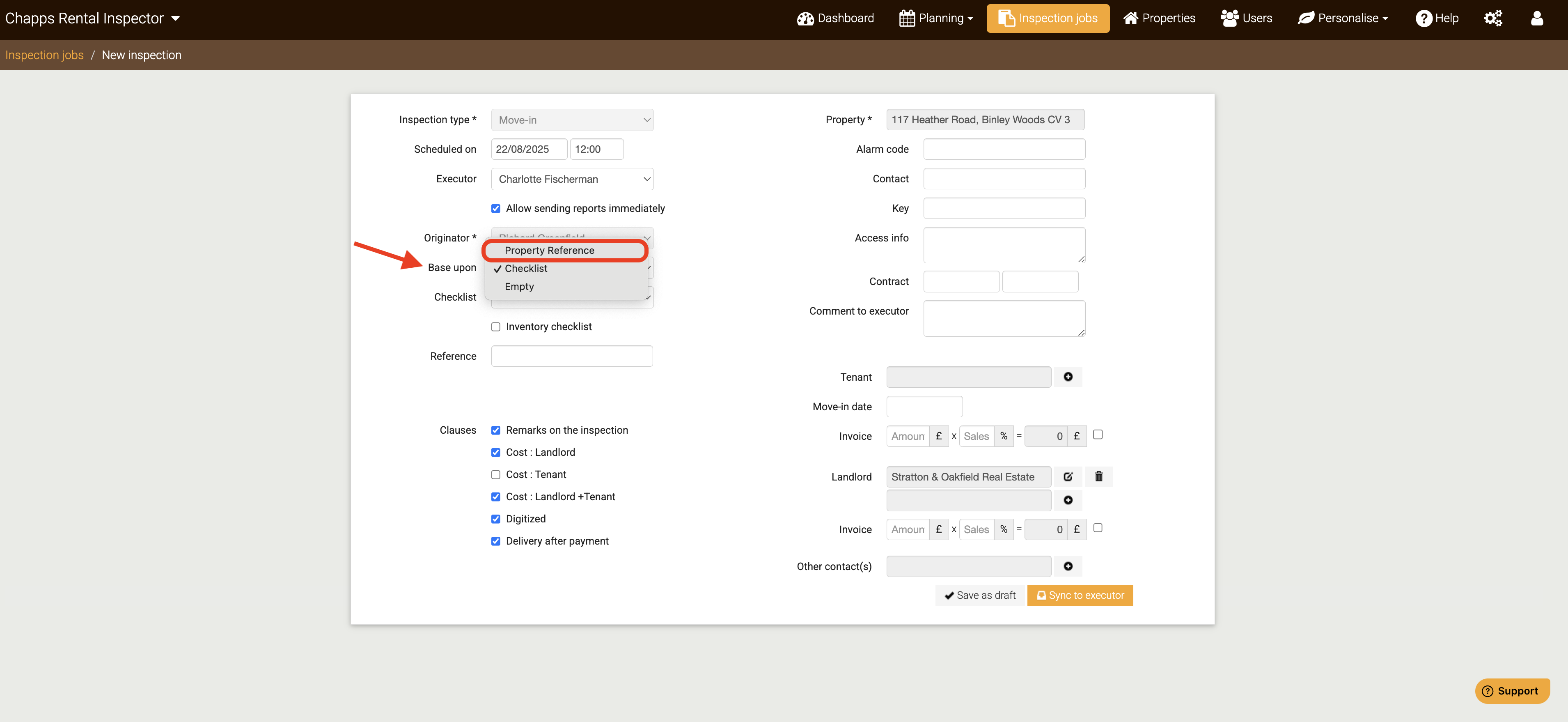
See below how you can base an initial rental inspection of a property in the Rental Manager on a previously completed rental inspection of another property, instead of a checklist, by choosing "Property Reference" on the Base upon dropdown:
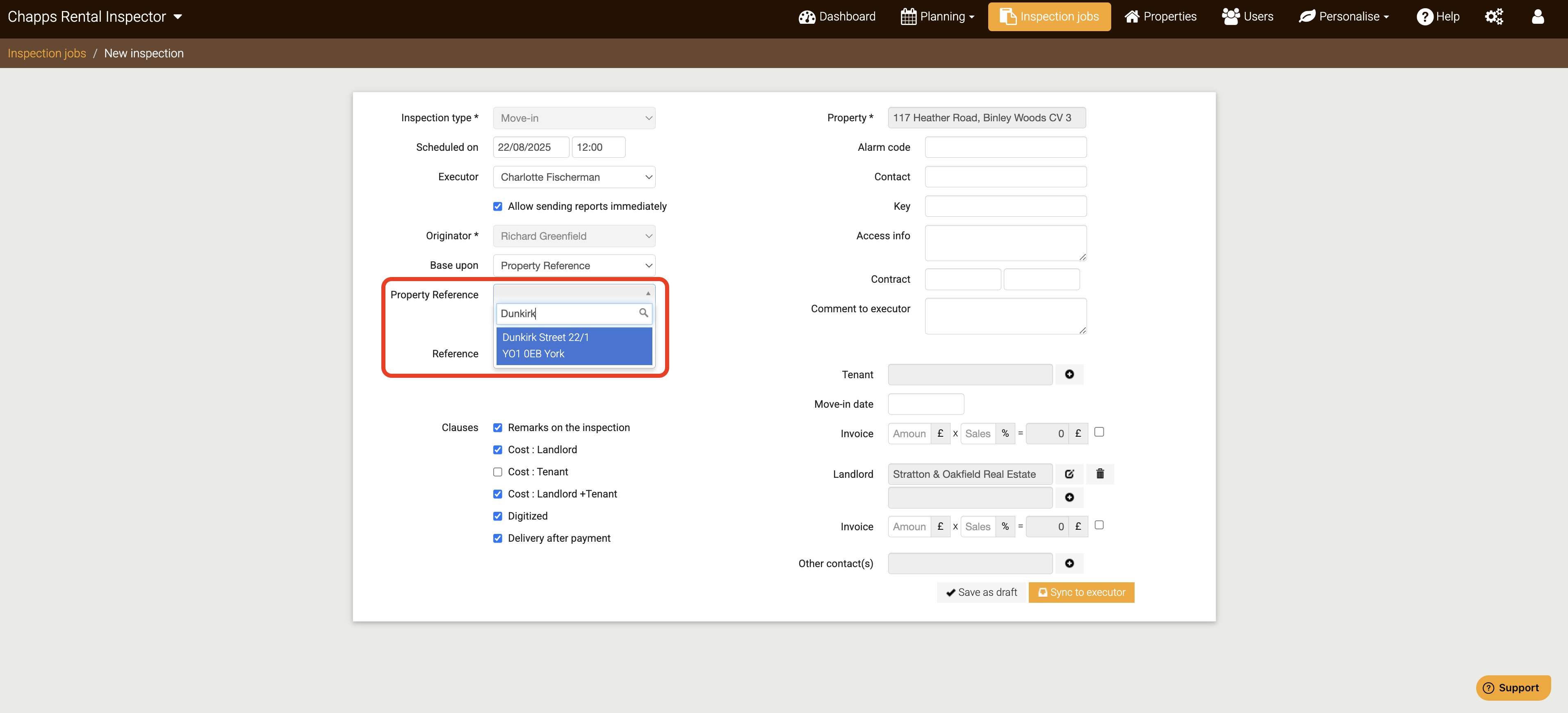
Once done, now you can type the address of the property from which you want as a basis: