
The Rental Manager is 100% cloud-based software and is used via a modern browser such as Google Chrome, Mozilla Firefox, Microsoft Edge, or Apple Safari. The choice is yours.
You can log in at:
http://account.chapps.com ↗️
💡 Tip: save this address to your favorites (bookmarks bar) so you can log in quickly and easily.
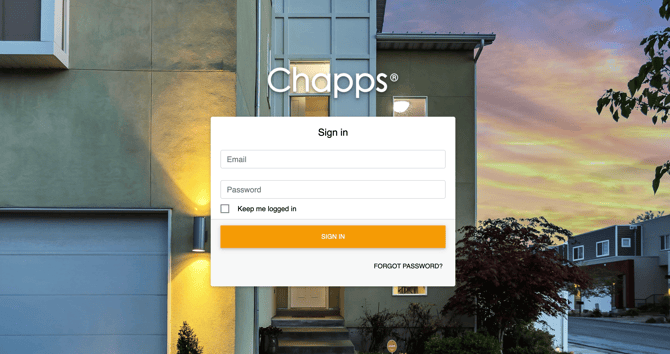
You log in using your email address as your username and your password. Have you forgotten your password? Then click the “Forgot password” link at the bottom of the login screen. You will receive an email with a special link that allows you to reset your password.
Two-step verification
To protect your data as well as possible, after logging in with your email address and password you may occasionally be asked to enter a six-digit security code. This code will be sent to you by email. This way, we can be sure it is you who is logging in.